Coding and SQL
Give candidates real problems to solve. Run their code against test cases and review the result.
JavaScriptTypeScriptPython 3C++DartRustC#JavaRubyKotlinGoCSwiftScalaNode.jsPHPSQL (SQLite)
Create a test, see how candidates solve problems, and review their work together. Bring better evidence to every interview.
10 free credits. No card required.
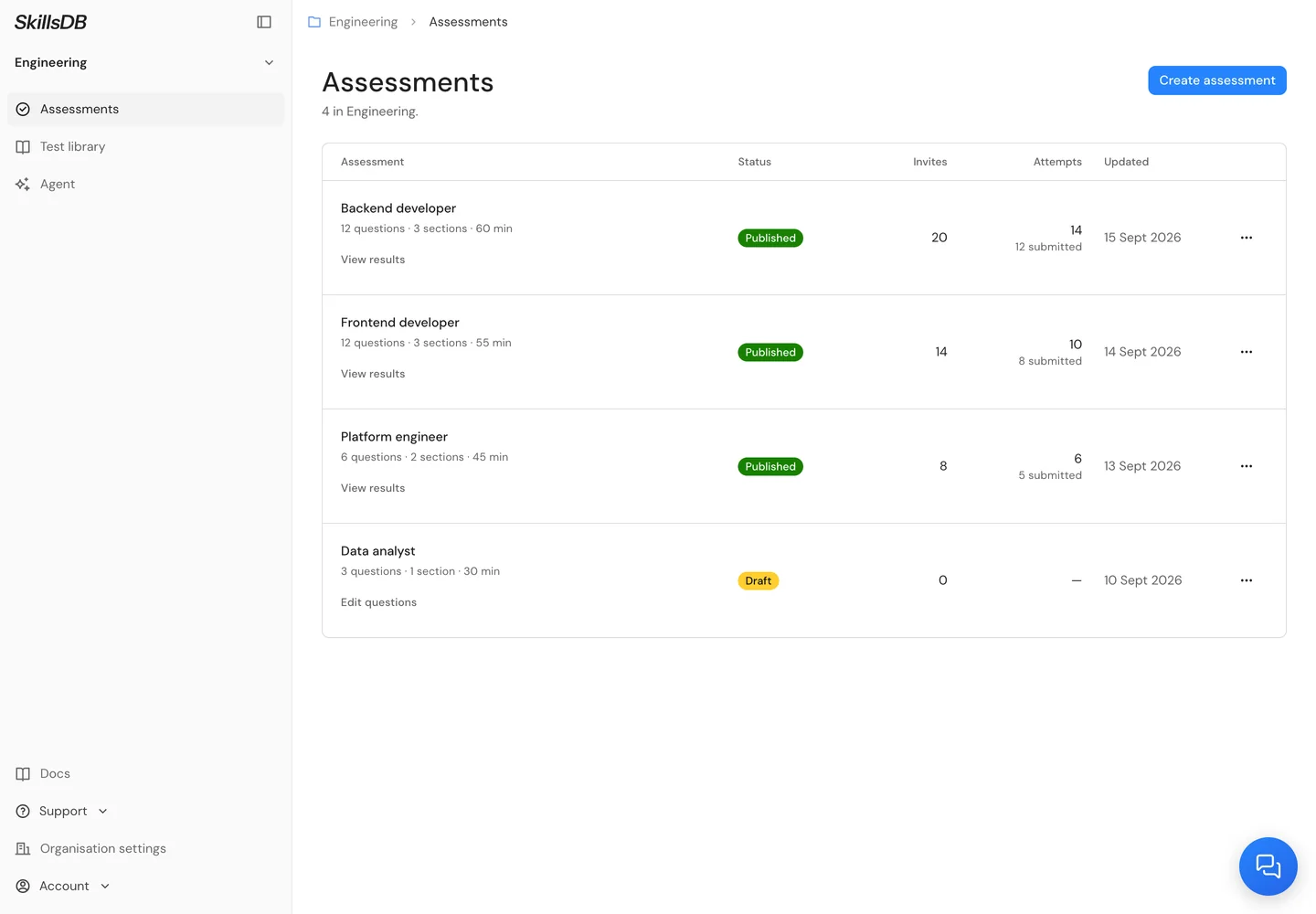
Pick from the test library, combine topics for your role and make the assessment your own.
Give candidates real problems to solve. Run their code against test cases and review the result.
Use skill quizzes for knowledge and written questions for the thinking behind an answer.
“I’d trace a request to see where the time is spent…”
Keep assessments, invitations and candidate results together. Give each team a workspace of its own.
Start from the library, add your own questions or ask your AI agent for a draft.
Send an invitation link. No account to create, one question at a time, with progress saved as they work.
Compare skills, open the answers and read the feedback. Decide what to explore in the interview.
Multiple-choice answers are scored automatically. Written answers receive feedback against your rubric. Code runs against test cases.
See where each candidate is strong and where you need a closer look.
Read what they wrote and inspect the code they submitted.
Review the reasoning behind a result, then bring your own judgment.
Create assessments, send invitations and review results with SkillsDB Agent, ChatGPT, Claude, Gemini or Grok. Everything stays in your SkillsDB workspace.
 SkillsDB Agent
 ChatGPT
 Claude
 Gemini
 Grok
GrokCreate a backend developer assessment. Focus on API debugging, SQL and testing.
Backend developer
Example conversation. Use SkillsDB Agent directly or connect your own agent. How to connect
SkillsDB Agent is built in. Prefer another agent? Connect it to the same assessments and results.
Connect your agentCamera and browser checks are included. Candidates see the requirements and give consent before starting.
Review session activity alongside their work. An event is context for review, not proof of cheating.
First timed section begins
Review alongside the answer
Answers and activity, together
Choose coding, SQL and skill quizzes from the test library. Combine multiple-choice, written-answer and coding questions to assess the skills your role needs.
No. Candidates open their invitation link, review the requirements and take the assessment in their browser. They answer one question at a time, and their progress saves as they work.
Multiple-choice answers are scored automatically. Written answers receive AI feedback against your rubric. Code runs against test cases. Your team can review the answer and feedback behind each score.
Camera and browser checks are included. Candidates see the requirements and give consent before starting. Session events, such as tab switches and fullscreen exits, are available for review alongside their work. A flag provides context; it is not proof of cheating.
No. Everything works directly in SkillsDB. You can also connect Claude, ChatGPT, Gemini or Grok to create assessments, send invitations and review results from a conversation.
One credit covers one candidate’s attempt at one assessment, including all its sections. An invitation uses a credit when you send it. Your organisation starts with 10 free credits, with no card required. Buy more when you need them. There is no monthly subscription.
Build focused assessments, see how candidates solve problems, and bring your team together around the work.